



Nissan Murano car radio code
$24.90 TTC
Find your Nissan Murano car radio code
Intro – How to recover your Nissan Murano car radio code?
We help you find your Murano Nissan car radio code 7 days a week, 24 hours a day!
Is your Murano radio out of order? Is it asking you for a PIN code? And you do not know how to find the Murano car radio code? How can you recover the Nissan car radio code for a Murano using the serial number printed on the back of the radio unit?
Following a battery failure or a technical fault!
To find the Nissan Murano PIN code free of charge, you can check your service book if the previous owner noted it down.
Otherwise, we can provide you with the original Nissan Murano car radio code by email and/or SMS!
1 – How can you find the serial number, device number and date of a Nissan Murano radio?
To find a PIN code for Nissan Murano car radios, we need the serial number, device number and date. There are two ways to find them easily!
First method without removing the radio to recover the serial numbers of a Nissan Murano radio.
Enter 3 incorrect Nissan PIN codes and all the information will then appear on the Murano dashboard LCD screen. Then “The device is blocked for 60 min.” You will need to wait 60 minutes with the car ignition switched on so that you can enter the Nissan Murano PIN code we will have sent you.
Second solution by removing the Nissan Murano car radio
You must remove the car radio from the dashboard to access the label located on the back of it. On the label, you will then find the serial number, device number and date needed to recover your Nissan Murano PIN code.
2 – How do you enter the Nissan Murano car radio code?
When we notify you by email or SMS that your code has been found, enter it directly on the touchscreen then confirm by pressing ok.
- Turn on the ignition.
- The display should show the code:
- Press the buttons for your code.
- Hold down the ok button to activate the radio.
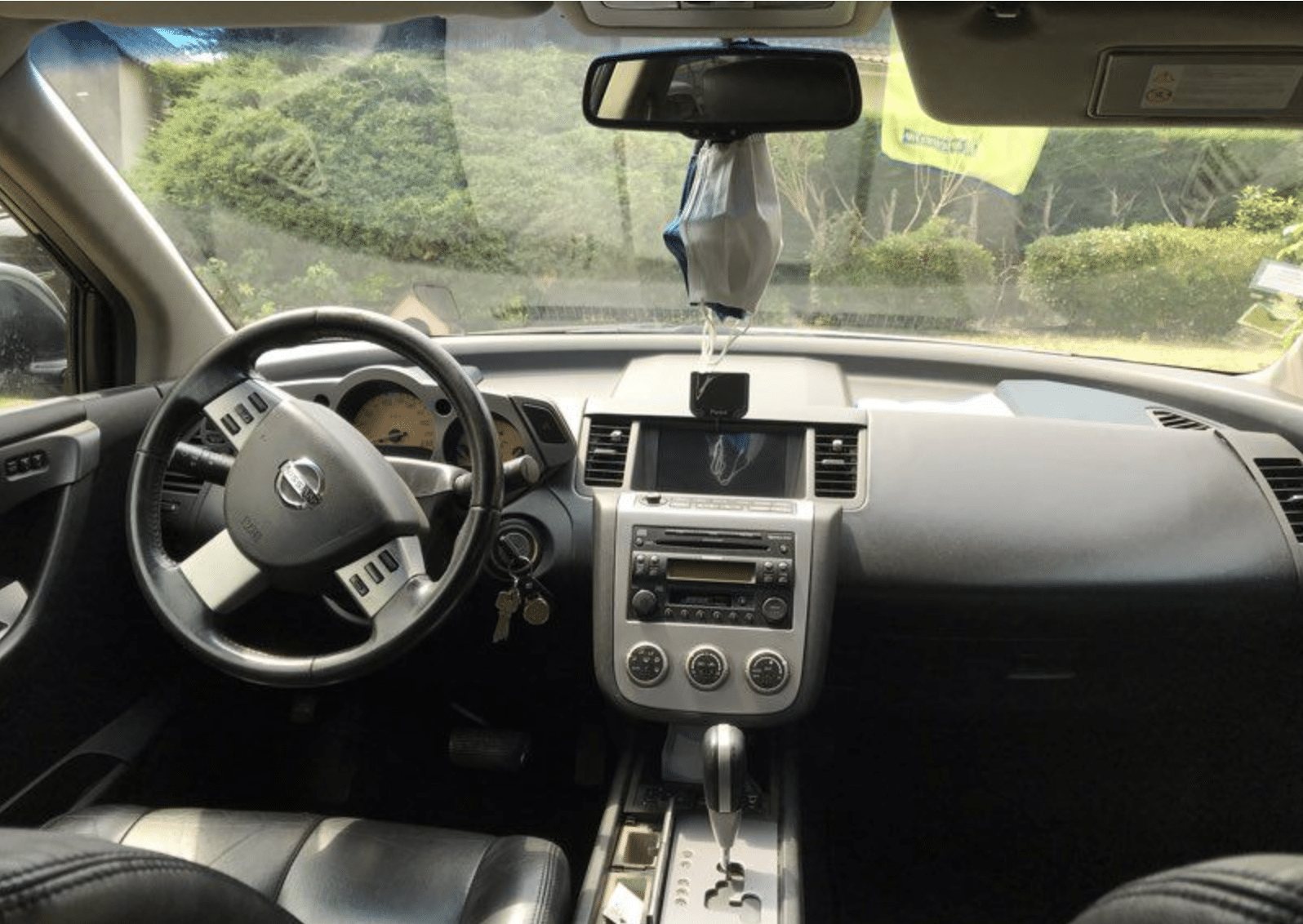
3 – Learn more about the Nissan Murano radio
Discover the Nissan Murano, a bold and refined SUV that perfectly combines design, performance and comfort. This versatile vehicle stands out for its dynamic and elegant look, with flowing lines and meticulous finishes that are sure to turn heads on the road.
Under the bonnet, the Nissan Murano is equipped with a powerful yet fuel-efficient V6 engine, offering a smooth and responsive driving experience. The CVT transmission (continuously variable transmission) and available all-wheel drive ensure optimal road holding and exceptional handling, whatever the weather conditions.
The interior of the Nissan Murano is a true haven of peace, with leather seats.
4 – FAQ Nissan Murano car radio code
How do you find and enter the car radio code for a Nissan Murano?
To obtain the car radio code for your Nissan Murano, you must first locate the device serial number. You can find it in the owner’s manual or by removing the car radio to see the number printed on it. Then, you can contact a Nissan dealer or use an online service to obtain the code. Once you have the code, switch on the car radio and use the number buttons to enter the code. If the code is correct, the car radio should unlock and work normally.
The easiest way is to use our unique online service Code-Autoradio.com available 7 days a week, 24 hours a day, with ultra-fast code delivery.
5 – Find the car radio code for other Nissan models
code autoradio Murano gratuit
Code autoradio Nissan Gratuit
| Modèle Nissan | numéro de série Nissan | code radio nissan |
|---|---|---|
| Nissan | 12.12.13 9783045 7612830090 | 5704 |
| Nissan | 7612830022 25915BH10C 2313023 09.12.19 | 3431 |
| Nissan | 12.07.31 8297738 7612830092 | 3242 |
| Nissan | 5875753 7612830050 11.07.13 | 6191 |
code autoradio Murano vidéo
Additional information
| MPN | RADIOCODENISSANMURANO |
|---|---|
| Brand | Nissan |


